Windows MS Account
Installing Windows without the requirement for an Microsoft account.
Begin by disabling the network requirement:
When stepping through the Windows 11 setup, it will ask you to set a region.
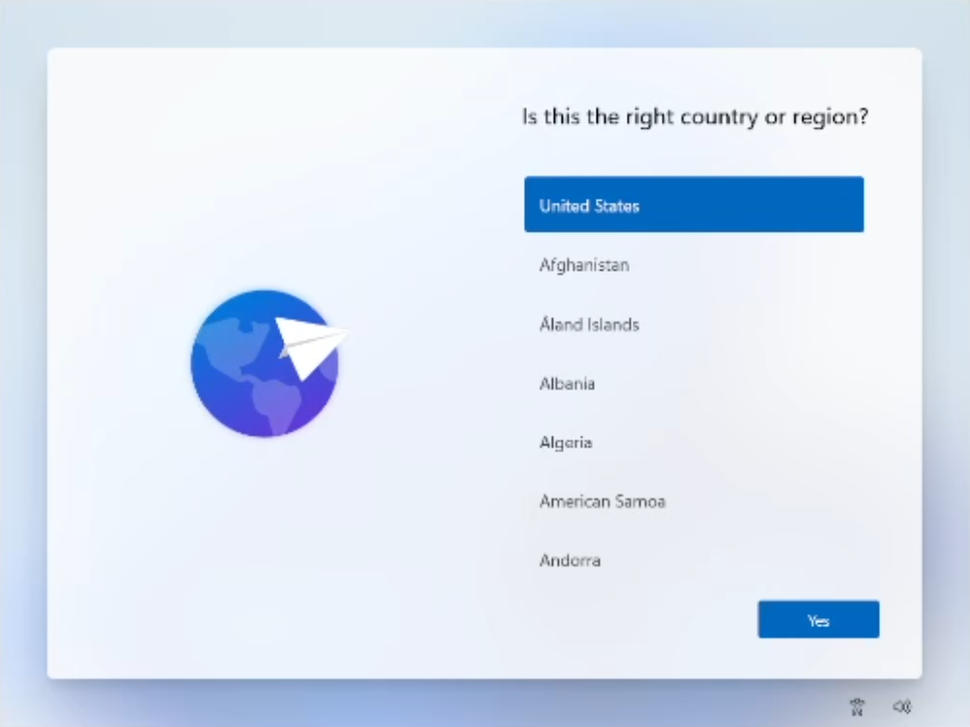
Press SHIFT+F10 then type the following into the command prompt:
OOBE\BYPASSNRO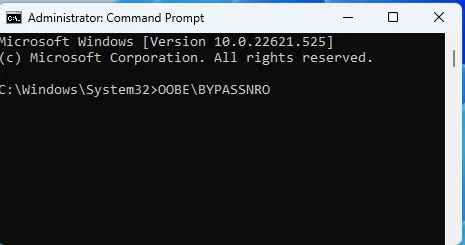
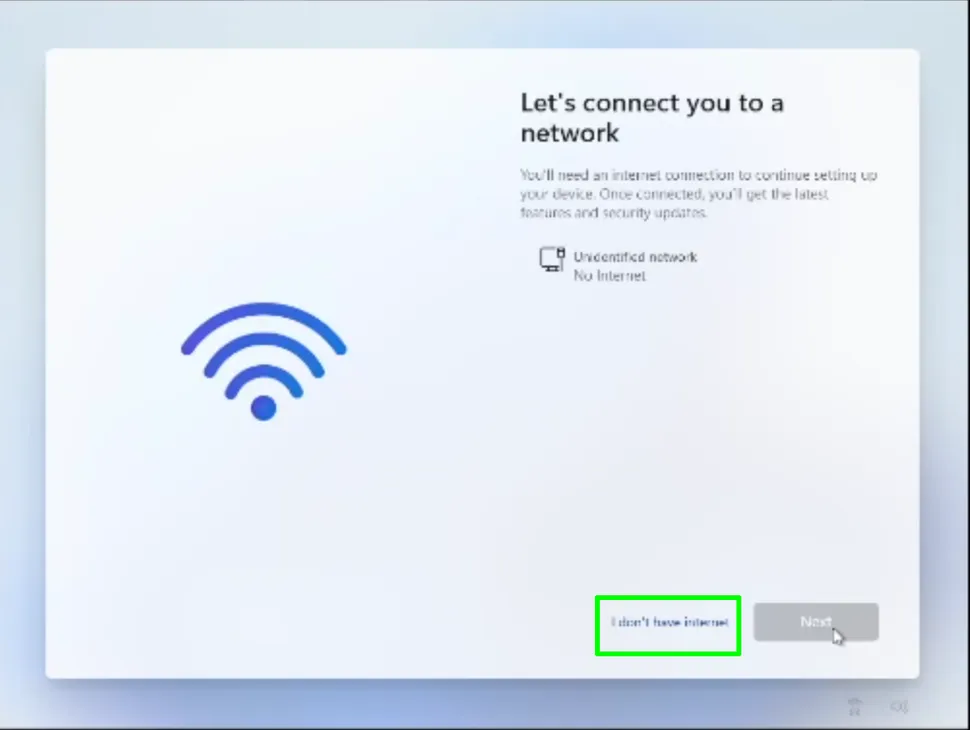
The system will now reboot. When presented to continue after power on, select "I don't have internet". This will allow you to continue with a local account and remove the requirement for a Microsoft account.
Rufus Method
When flashing an image to a boot media using Rufus, a dialog box appears with a few options for bypassing Windows 11 install requirements.
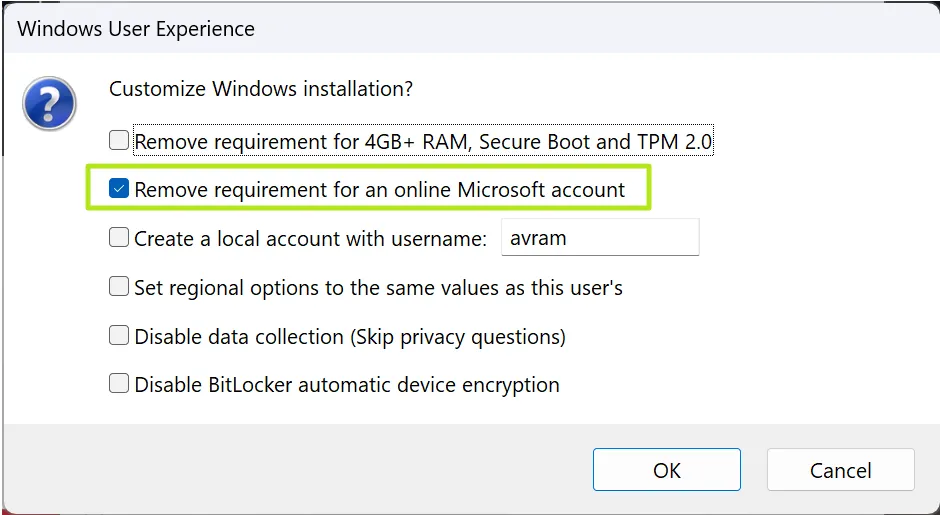
You may also want to toggle on the other options, which include Removing the Secure Boot / TPM 2.0 and RAM requirements (disabling these hardware requirements may not work on the latest versions of Windows 11).
You can also toggle on "Create a local account with username" and enter your username here and it won't need to prompt you during installation.
You can also toggle on "Set regional options to the same values as this user's" and it won't prompt you for the country or keyboard.